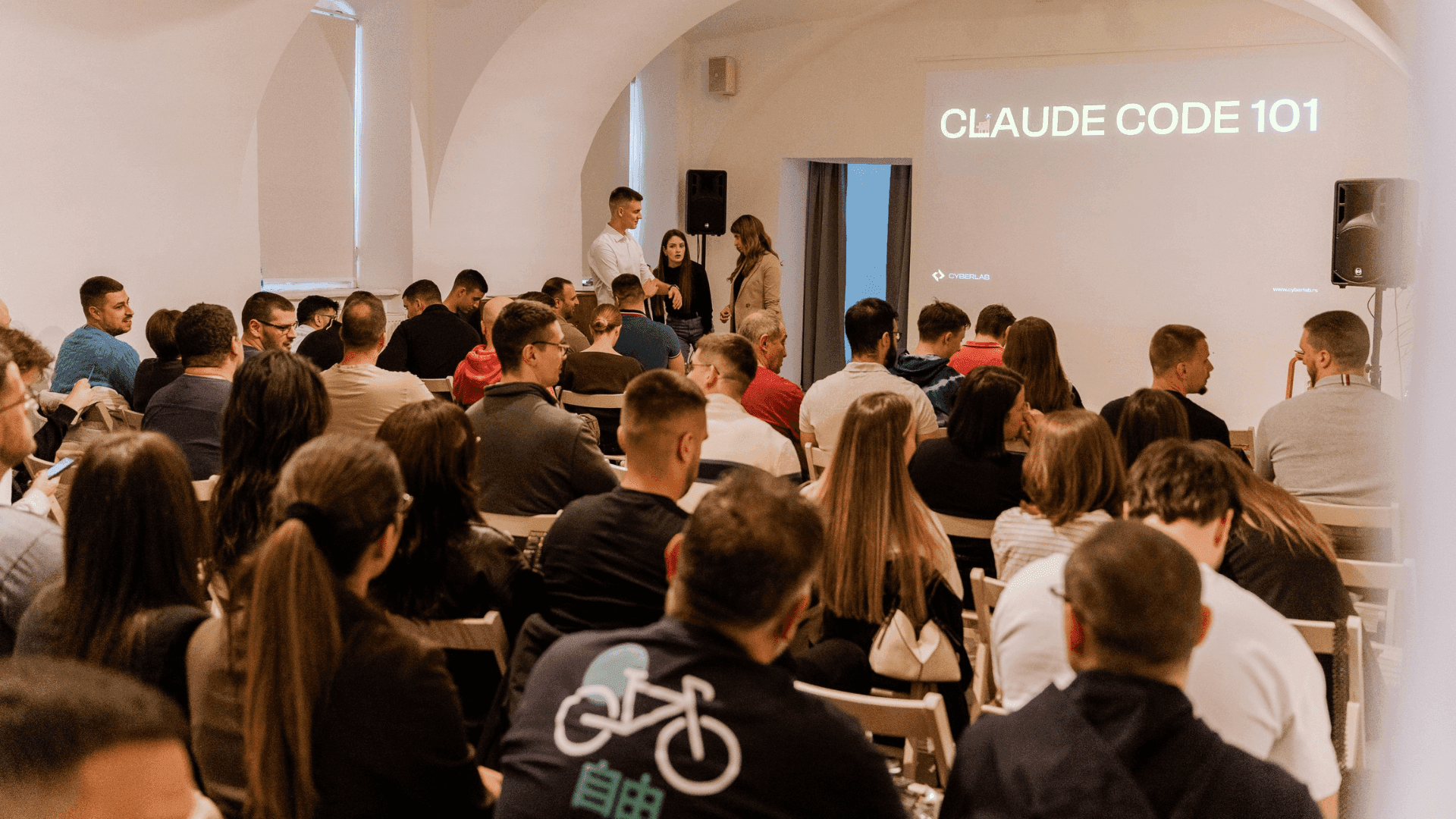
On Tuesday, April 21st, 2026, we hosted an event at Prostor in Novi Sad titled “Claude Code 101: From Zero to Full Potential.” Interest in the event was exceptionally high, with 100 attendees joining us, including software engineers, frontend and backend developers, students, and IT enthusiasts.
The venue was at full capacity, reflecting how quickly AI-assisted development tools have evolved from a curiosity into an essential part of everyday work in modern software teams.
Speaker: Uroš Petrić - Software Engineer with Hands-On AI Development Experience
The session was delivered by our colleague Uroš Petrić, Software Engineer at CYBERLAB, who brings extensive experience in application development and the practical use of AI tools in everyday engineering work. Within CYBERLAB, Uroš successfully led the development of an internal application from idea to production in just a few weeks, with AI assistance playing a key role throughout the entire process. He regularly shares his knowledge and experience with colleagues through internal knowledge-sharing sessions.
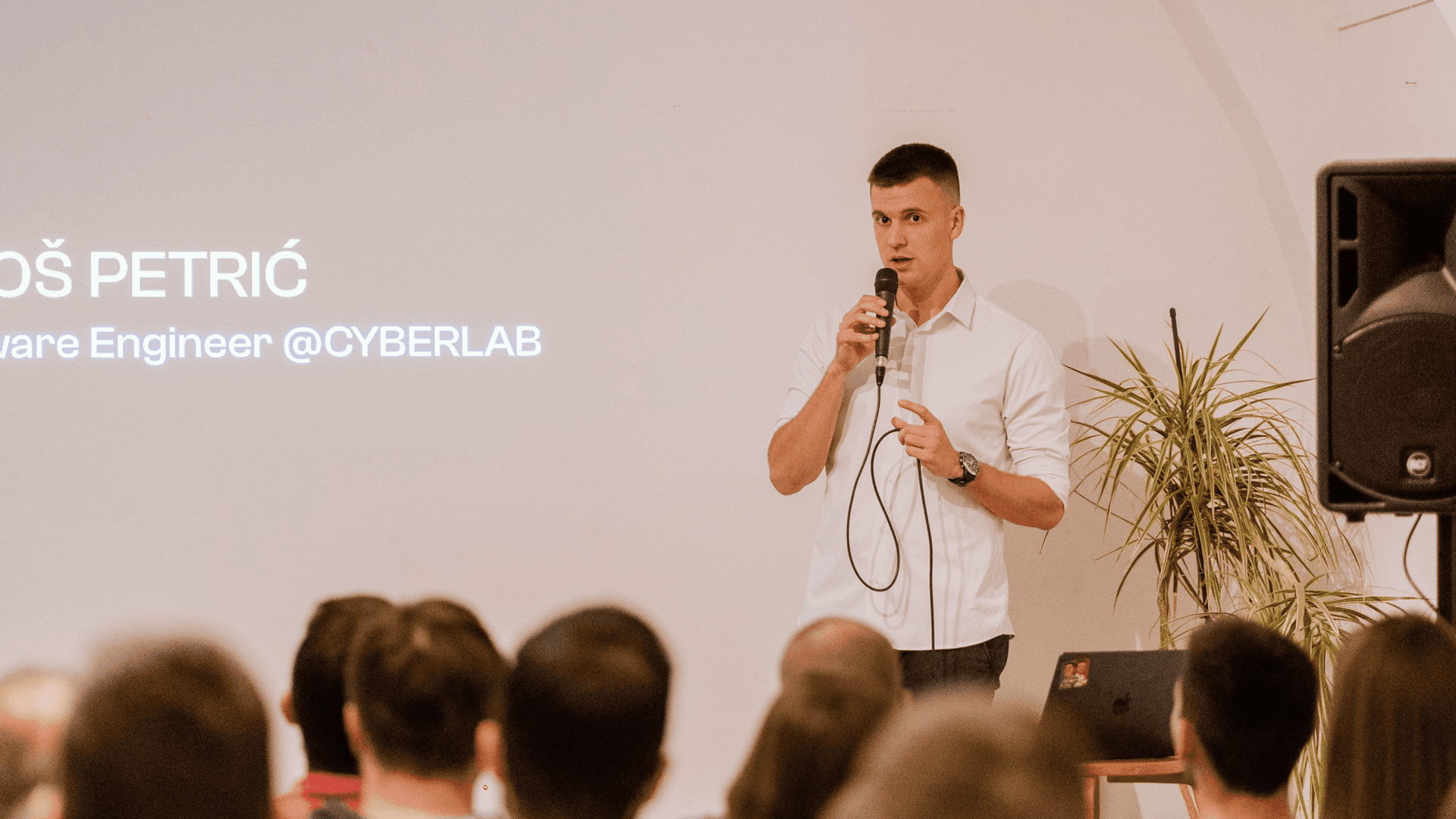
In this session, he demonstrated what a real-world AI-assisted development workflow looks like in practice, and how tools like Claude Code can become a natural extension of a developer’s daily toolkit.
What Does AI-Assisted Development Look Like in Practice?
Uroš walked participants through the complete picture of working with Claude Code, from understanding what a coding assistant actually is, to configuring advanced automation, parallel agents, and external integrations. The presentation covered the following core topics:
1. Coding Assistant - Beyond the Chat Interface
The audience learned how Claude Code differs from a simple chat interface and how it bridges the developer and the language model through a structured tool layer. A key insight: the language model does not execute actions itself; it requests the coding assistant to perform them, which means the developer retains full control over what happens in their codebase.
2. Tools - What Claude Code Can Do
Uroš walked through the full set of built-in tools available to Claude Code, including Bash, Edit, Glob, Grep, Read, Write, WebFetch, WebSearch, and the Agent tool for launching subagents. Participants gained an understanding of how Claude decides which tool to use and how additional capabilities can be added through MCP server integrations.
3. Context - Giving Claude What It Needs
One of the most practical segments of the talk focused on context management. Providing the right information and avoiding irrelevant or misleading context directly determines the quality of Claude's output. Uroš explained how context windows work, why they fill up, and how to manage them effectively during long sessions.

4. CLAUDE.md and Auto Memory
The session covered CLAUDE.md, the single most impactful configuration file in any Claude Code project. Loaded automatically at the start of every session, it acts as Claude's persistent memory, documenting the tech stack, architecture, build commands, workflows, and project-specific gotchas. Alongside CLAUDE.md, Uroš introduced Auto Memory, which accumulates knowledge across sessions without any manual effort, storing learnings in plain markdown files that Claude reviews at the start of each new conversation.
5. Planning and Thinking Modes
Participants learned how to shift Claude Code into different operational modes depending on the task at hand. Plan Mode restricts Claude to read-only tools, allowing it to thoroughly explore the codebase and produce a detailed implementation plan before touching a single file. Thinking modes, from basic Think to Ultrathink, give Claude progressively more reasoning capacity for complex logic problems, difficult debugging scenarios, and algorithmic challenges. Uroš also clarified an important distinction that often causes confusion: effort and thinking are separate controls, and increasing one does not automatically increase the other.
6. Commands
The talk explained how commands extend Claude Code's functionality through simple slash notation. Participants saw examples of both built-in commands, such as /compact, /clear, /memory, and /agents, as well as custom commands stored in the .claude/commands directory. The $ARGUMENTS pattern for parameterized commands proved particularly popular among attendees.
7. Skills
Skills are markdown guides that Claude auto-invokes based on the context of a conversation. Unlike commands, which require manual triggering, skills activate automatically when Claude recognizes a relevant situation. Uroš demonstrated how a well-written description field in a SKILL.md file is the key to reliable auto-activation, and walked through several practical skill ideas including code-review, testing-patterns, explain-code, and docker-deploy.

8. Agents and Subagents
The second half of the session was dedicated to subagents, which drew considerable attention from the audience. Subagents are specialized AI assistants that handle specific tasks in fully isolated contexts, each running with its own system prompt, tool access, and independent permissions. Through concrete examples, Uroš demonstrated how subagents help preserve the main conversation context, enforce constraints on tool usage, enable parallel task execution, and even control costs by routing lighter tasks to faster, cheaper models. He also walked through the three built-in subagent types, Explore, Plan, and General Purpose, each with different model and tool configurations suited to different stages of a workflow.
9. MCP Servers
Model Context Protocol servers unlock integrations with external services directly from Claude Code. The talk covered a range of practical integrations, including GitHub for repository and pull request management, Figma for design-to-code workflows, Notion for workspace connectivity, Slack for messaging and data retrieval, and Playwright for automated browser testing. Participants left with a clear picture of how MCP transforms Claude Code from a standalone coding assistant into a connected development hub.
10. Hooks
The final topic covered Hooks, one of the most powerful and underused features in Claude Code. Hooks allow developers to run a command before or after Claude Code performs any action, and optionally block that action entirely. Use cases demonstrated during the session included automatically running a code formatter after every file edit, blocking commits that introduce deprecated function calls, checking for TODO comments and logging them to a file, and enforcing naming conventions across the codebase. Participants saw how PreToolUse hooks can serve as safety gates and can block an action by returning exit code 2, while PostToolUse hooks provide a way to react to Claude's actions without interrupting the flow.

Learning Resources
At the end of the presentation, attendees received a curated list of resources for further exploration:
- Claude Code in Action course
- Claude Code official documentation
- Claude Code Templates
- Claude Code Best Practices
- CYBERLAB blog
These materials provide an excellent starting point for anyone looking to integrate Claude Code into their daily development workflow.
Networking
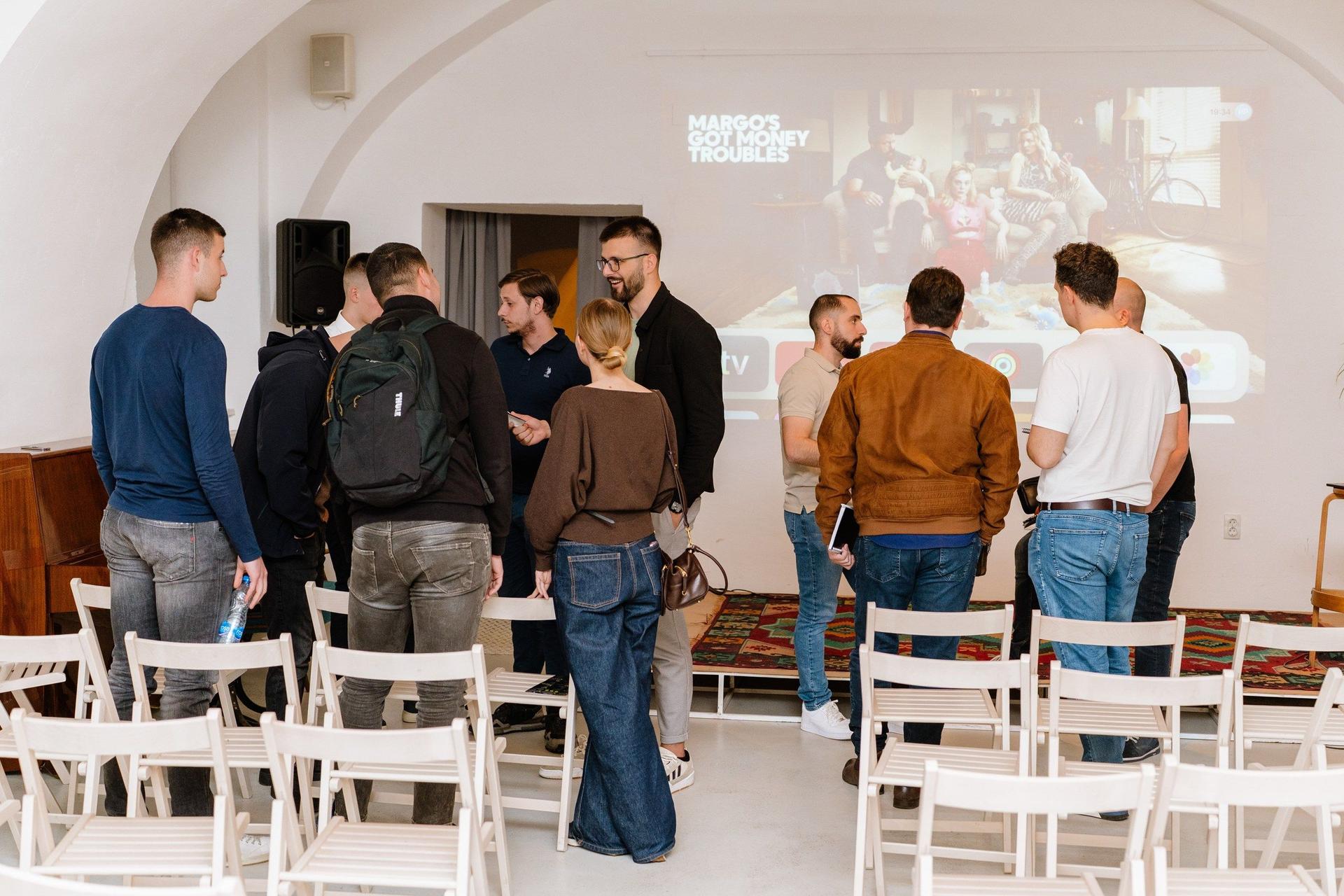
After the presentation, participants enjoyed an informal networking session, where they had the opportunity to talk with Uroš and the CYBERLAB team about their projects, questions, and early experiences with Claude Code. Topics ranged from practical CLAUDE.md setups and skill configurations to broader questions about where AI-assisted development is heading and how teams can adopt it gradually without disrupting existing workflows.
Conclusion
The "Claude Code 101: From Zero to Full Potential" event demonstrated that the local developer community is actively exploring AI tools and looking for concrete, practical guidance on how to use them well. AI-assisted development, intelligent context management, and autonomous coding agents are becoming increasingly relevant across all types of software projects, and this meetup once again highlighted how shared learning strengthens the entire community.
See you at the next CYBERLAB event!
We're always happy to share our knowledge and experiences. Feel free to follow or reach out to us on LinkedIn | Facebook | Instagram.